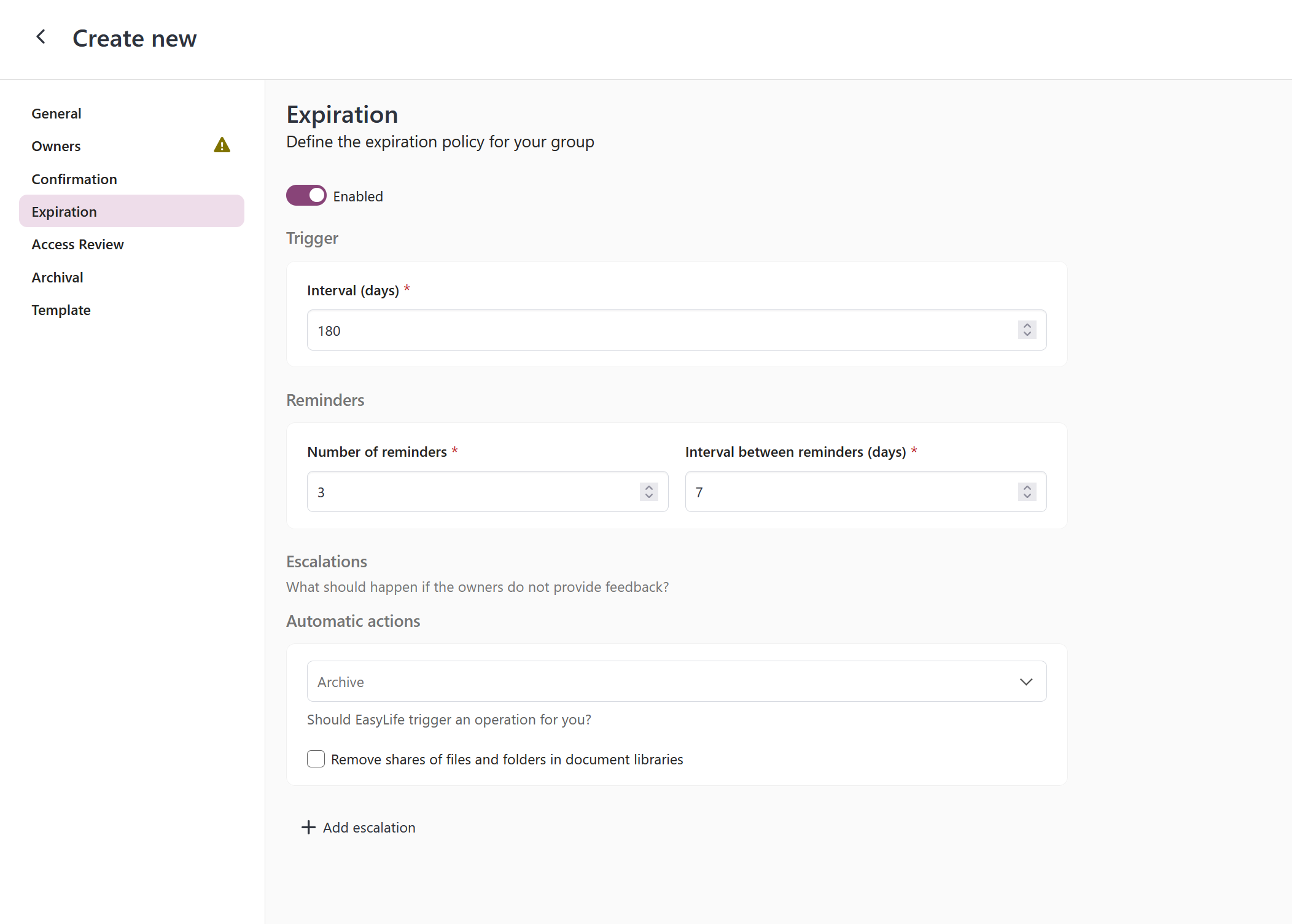
Expiration
The expiration policy operates similarly to the confirmation policy, albeit with a focus on monitoring the Last Modification Date of the associated SharePoint site before activation.
Administrators can define the frequency of reminders and set the protocol for situations where owners fail to act within the specified timeframe.
In cases of owner inaction, the system may proceed with resource deletion or archival.
What the Archive escalation does depends on the archive connector configured under Settings → Teams & Groups → Archive settings. With Teams default it archives the Team, so it has no effect on a group without one. With Microsoft 365 Archive it moves the group's SharePoint site into cold storage, which also covers groups without a Team. See Archival.